
Visual Studio Code
Edit, debug and manage code in an extensible desktop editor.
Product screenshots
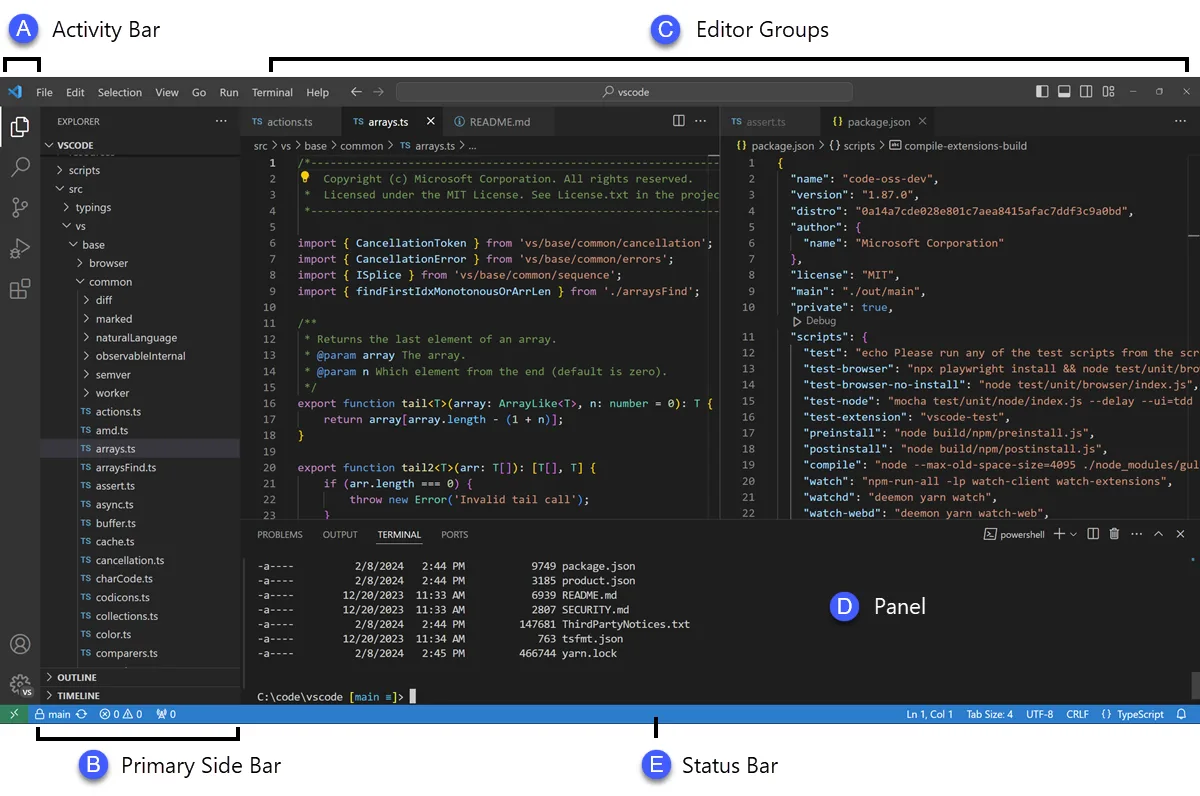
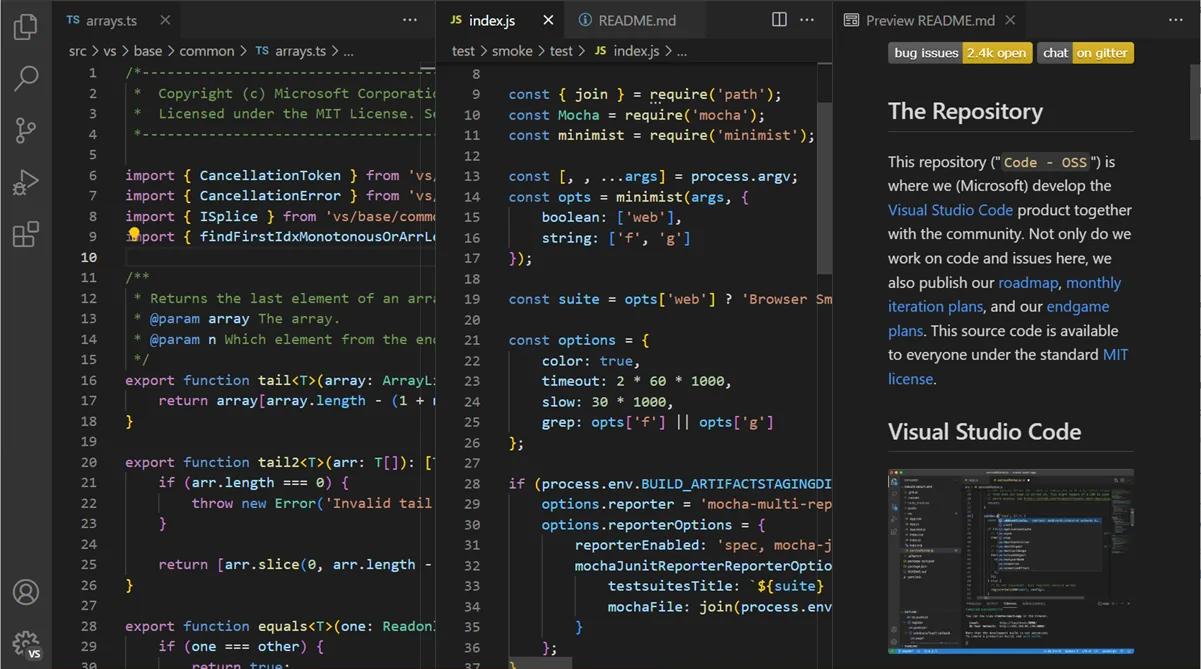
About Visual Studio Code
Visual Studio Code is a code editor for working with software projects on Windows, macOS and Linux. It combines a source editor with debugging tools, an integrated terminal and version-control features. Extensions add language support and integrations for different development workflows. Developers can use it to navigate a repository, make changes, run commands and inspect problems without leaving the editor. It is a useful starting point for web development and other programming tasks; the official documentation explains setup and language-specific configuration.
Key features
- Extensible language and tool support
- Integrated terminal and debugging
- Source control integration
What you can do with Visual Studio Code
- Build and maintain software projects
- Navigate and debug an existing codebase
Who it’s for
Developers, students and teams working with source code
Product pricing
The editor is free. Some optional third-party services and extensions have separate terms.
Summarized from official product information. Check the product website for current prices and terms.